🐾
🐾 Meet Chip!
Chip: Hi there! How can I help you today?
Welcome to PawMeter
PawMeter Logo

Track. Manage. Love.

Tail Tracker Set-up Guide

Follow these simple steps to set up your account profile, add your pets, and link your pet directly to your new Tail Tracker.

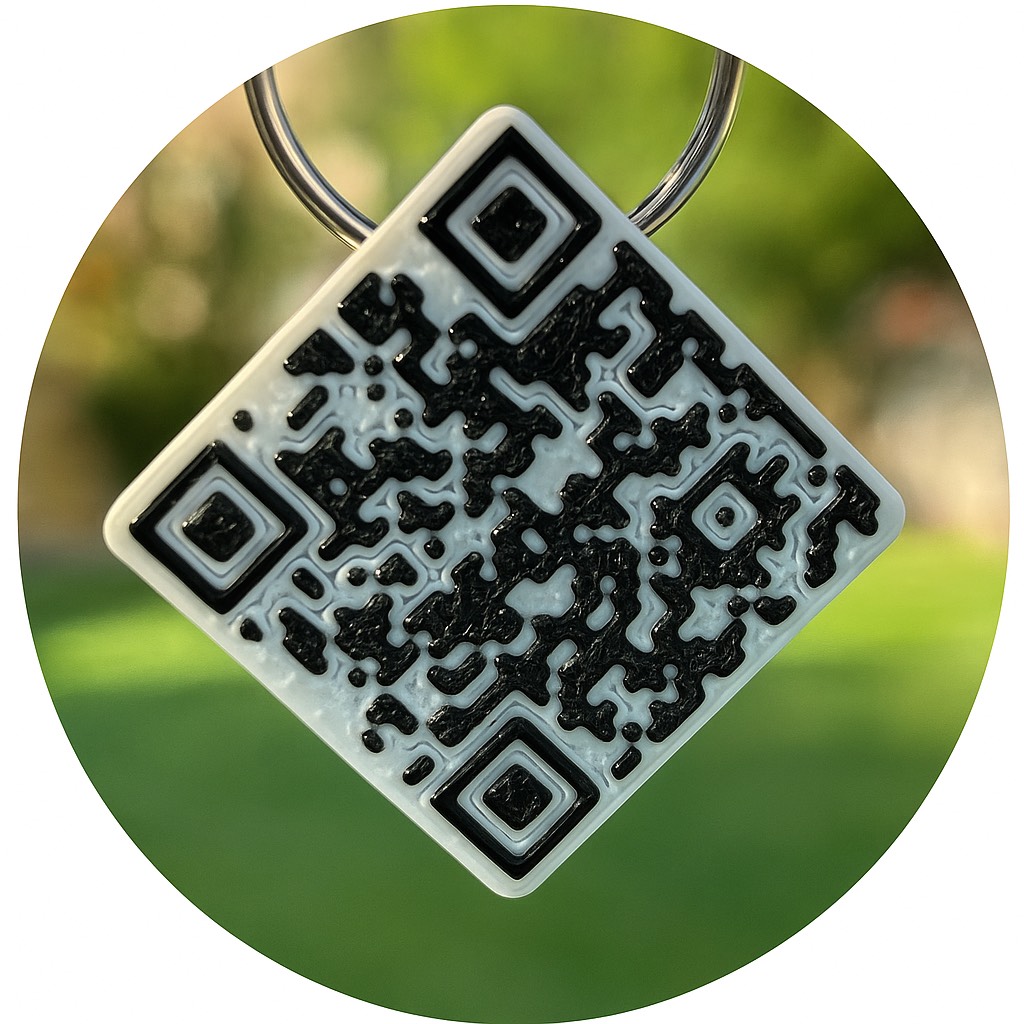
💡 Hint: Make sure you are logged into your mobile profile before scanning the QR code!

Setup Steps

  1. Join PawMeter (it's 100% FREE!)
  2. Log in and click "Add PAWS!" to add your pet from the MyPaws dashboard (unlimited pets!).
  3. Log into your profile on your mobile device and scan your Tail Tracker QR code; select the pet you wish to link to your new tracker.
  4. Once linked, attach your Tail Tracker securely to your pet's collar and run a quick test scan.
  5. All scans generate immediate email alerts to you and can be viewed inside your pet's profile history.
🐾 SCAN ME 🐾
Tail Tracker QR Demo
Buy Now! Tail Tracker Logo
 
How PawMeter Works
About Us
Investors
Resources
Contact Us
Terms & Conditions
 

PawMeter is a DBA of P&C Ventures LLC